How the Mind-Splitting World of Severance Comes to Life on Mac: A Behind-the-Scenes Look
The Apple Original workplace thriller Severance has captivated audiences with its mind-bending narrative and visually stunning storytelling. At the heart of this global hit is a team of talented creators, including supervising editor Geoffrey Richman, whose creative process relies heavily on his trusty Mac setup. In an exclusive look at how the show’s intricate world comes together, Richman shares his thoughts on editing, technology, and even speculates about who might be behind the video editing at Lumon Industries.
In the fictional universe of Severance, employees of Lumon Industries undergo a surgical procedure that separates their work and personal lives. Yet, as episode four of season two (“Woe’s Hollow”) humorously reveals, not all tasks are seamless for these “split” workers. The ORTBO (Outdoor Retreat and Team Building Occurrence) welcome video showcases jarring jump cuts and glitchy edits—a stark contrast to the polished work Richman delivers from his iMac in Brooklyn.
“It’s hilarious,” says Richman, a three-time Emmy Award nominee. “With those choppy transitions, it feels like Milchick [played by Tramell Tillman] threw the video together quickly with Miss Huang [Sarah Bock] in the back room behind his office.”
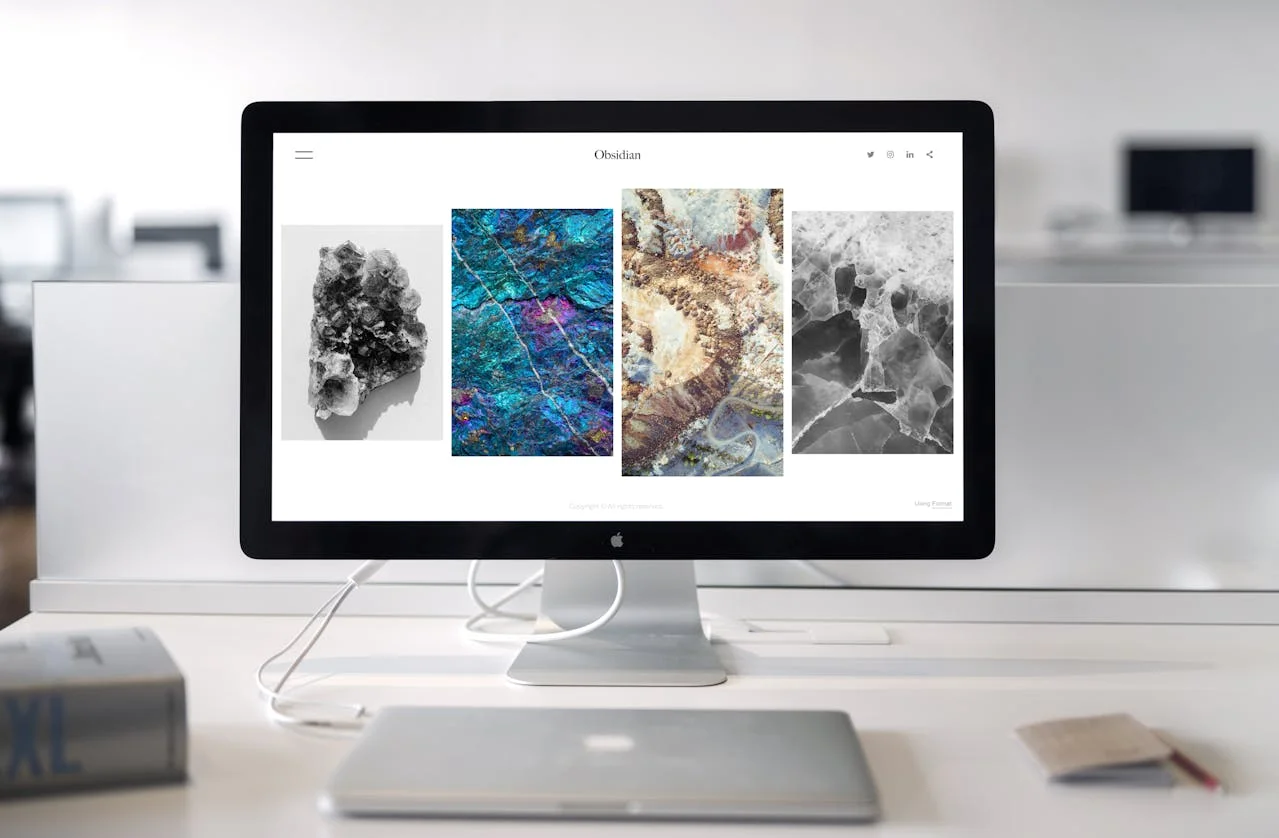
For Richman, however, such amateurish results are unimaginable. From his at-home edit bay in Park Slope, he collaborates closely with executive producer and director Ben Stiller using a robust Mac-powered ecosystem. His tools include an iMac, Mac mini, and MacBook Pro—all essential for crafting the show’s genre-blurring brilliance.
Richman credits his Mac setup for enabling the smooth execution of complex scenes, particularly in the season two finale, “Cold Harbor.” This episode was one of the most challenging to edit due to its intricate structure and high-stakes sequences.
“For the finale, there was a lot of experimenting with structure and testing out different ideas about how to play out certain scenes,” explains Richman. “My Mac setup allowed for a constant flow of creativity and made the entire process much smoother.”
One standout sequence involved editing footage of a marching band—no small feat given the 70 angles and takes available. To manage this complexity, Richman synced everything into a multicam clip organized in 3×3 arrays. “Being able to play nine angles simultaneously in real time—and switch between them instantly—made finding what we wanted incredibly efficient,” he says.
This level of precision wouldn’t be possible without the performance and multitasking capabilities of his Mac devices. Richman often runs multiple applications simultaneously, including Avid (the industry-standard video editing software), Slack, Mail, Messages, Calendar, and Safari. With Mission Control shortcuts, switching between apps becomes effortless.
Like Mark Scout, the protagonist played by Adam Scott, Richman also descends a level to work each day—in his case, heading downstairs within his apartment to edit on his iMac. This device remotely connects to a Mac mini located at a post-production facility in Manhattan’s West Village.
Richman’s workflow benefits immensely from iCloud and Continuity features, which allow him to seamlessly transition between devices. Whether typing notes on his iPhone before bed or reviewing edits on his MacBook Pro during location shoots, everything syncs effortlessly across his ecosystem.
“I can work on my laptop, iMac, or even at Ben’s office, and as long as I’m logged into my account, everything shows up everywhere,” he says. “That aspect of Mac is incredibly handy—it lets me focus on creating rather than worrying about logistics.”
Richman’s MacBook Pro proved invaluable during a visit to the snow-covered Minnewaska State Park Preserve in upstate New York, where parts of “Woe’s Hollow” were filmed. Its portability, exceptional battery life, and multiple ports—including HDMI—allowed him to collaborate directly with Stiller.
“I plugged my MacBook Pro into Ben’s TV, and we edited right off my laptop,” Richman recalls. “It was so convenient and ensured we stayed aligned creatively.”
Another critical component of Richman’s work involves collaborating with Theodore Shapiro, Severance’s composer. Music plays a pivotal role in shaping the tone of scenes, often shifting lighter moments into darker territory. For example, syncing the marching band footage with Shapiro’s compositions required meticulous attention to detail.
“Those marching band scenes were extremely challenging,” Richman admits. “But working through structural challenges is something I genuinely enjoy. It’s satisfying and fun.”
To tackle these demanding sequences, Richman relied on his iPhone for jotting down initial ideas and then refined them on his MacBook Pro while relaxing on the couch or in bed. Once satisfied, he brought his notes back to his iMac to finalize the edits.
When asked about the mysterious video editors at Lumon Industries, Richman chuckles. “Given the quality of the ORTBO video, I’d say it’s probably Milchick and Miss Huang handling things themselves. They don’t seem to have access to anything close to our Mac setup!”
While Lumon’s methods may leave much to be desired, Richman’s reliance on Mac ensures that the real-world magic of Severance remains flawless. For fans eager to dive deeper into the series, it’s clear that the combination of visionary storytelling and cutting-edge technology is what makes this show truly unforgettable.
From navigating structural complexities to syncing music and visuals, Geoffrey Richman’s Mac-powered workflow is integral to bringing Severance’s surreal world to life. As the series continues to push boundaries, one thing is certain: the tools behind the scenes are just as innovative as the story itself. For anyone aspiring to create compelling content, Richman’s experience underscores the importance of having reliable, versatile technology like Mac at your fingertips.