


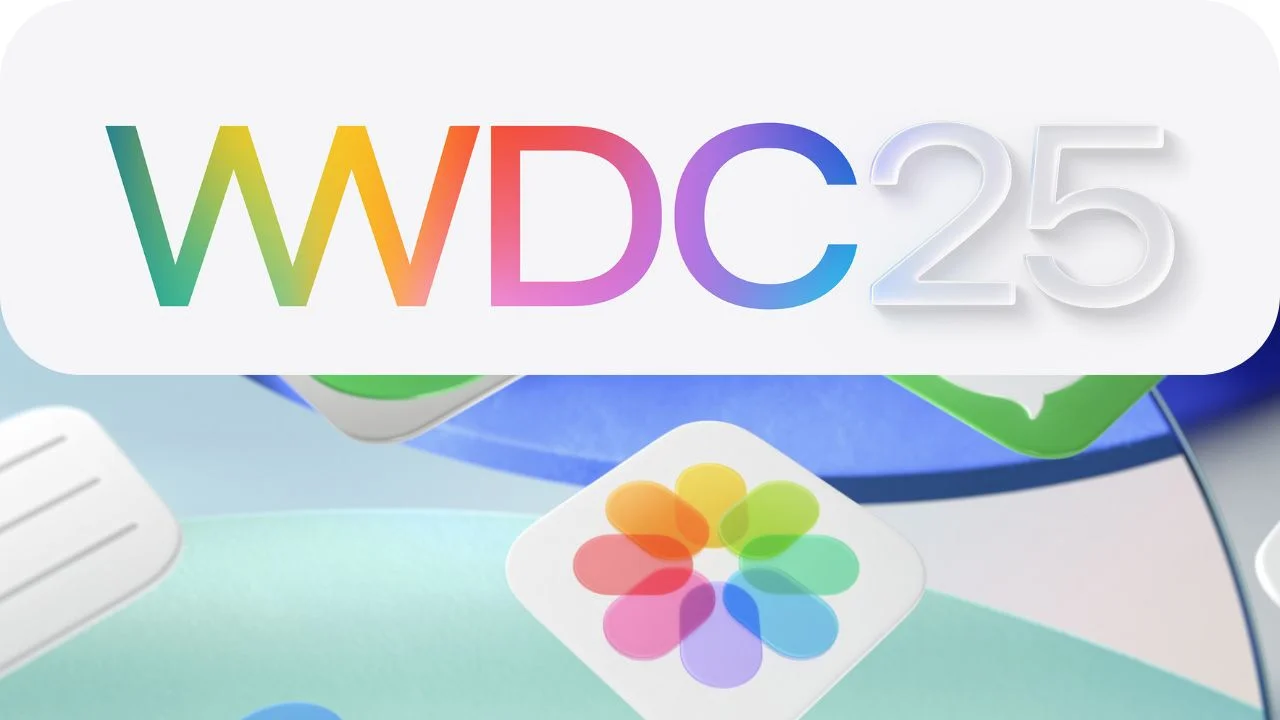
Liquid Glass Design and System-Wide Enhancements: A New Era of User Experience
Apple has unveiled its groundbreaking design language, “Liquid Glass,” alongside a wave of system-wide updates that redefine usability and aesthetics across its platforms. This innovative approach introduces a dynamic, fluid material that enhances the visual experience while ensuring consistency and functionality across iOS, iPadOS, macOS, watchOS, and tvOS. Let’s dive into how Liquid Glass and these updates are transforming Apple’s ecosystem.
Universal Design Across Platforms
At the core of Apple’s latest advancements is the concept of universal design. Liquid Glass ensures a cohesive look and feel across all Apple devices, creating a seamless user experience regardless of the platform. From navigation to search functionalities, users will find familiar elements tailored to each device but unified in their design philosophy. This consistency not only simplifies interactions but also strengthens the connection between different parts of the Apple ecosystem.
The Expressive Nature of Liquid Glass
Liquid Glass is more than just a design trend—it’s a revolutionary material that combines the optical properties of glass with a sense of fluidity. This unique blend allows it to adapt dynamically to its surroundings, reflecting and refracting light and color in real-time. The result? A visually stunning interface that feels alive and responsive. Whether you’re browsing an app or interacting with your home screen, Liquid Glass brings depth and dimension to every element, making the digital world feel more tactile and immersive.
Redesigned Interface Elements
To complement Liquid Glass, Apple has reimagined key interface components such as controls, toolbars, and navigation bars. These elements now feature rounded corners that align perfectly with the design of Apple devices. Acting as distinct layers above app content, they adapt intelligently as users interact with the interface. For example, buttons and sliders subtly shift and respond to touch, providing feedback that enhances both usability and engagement.
Dynamic Interactions and Animations
One of the standout features of Liquid Glass is its ability to react to user inputs in real-time. Touch gestures and pointer movements trigger fluid animations and transitions, adding a layer of interactivity to the experience. Swiping through menus or tapping on icons becomes smoother and more engaging, thanks to these dynamic interactions. These subtle yet impactful details make navigating Apple’s platforms feel intuitive and enjoyable.
Updated Icons, Widgets, and Personalization Options
App icons and widgets have received a significant upgrade with the integration of Liquid Glass. They now feature layered designs with specular highlights that catch the light, giving them a polished, three-dimensional appearance. Users can also take advantage of enhanced personalization options, allowing them to tailor their home screens to match their style and preferences.
iOS 26: Refined Navigation and Content Prioritization
In iOS 26, Apple has introduced intelligent updates to tab bars. During scrolling, the tab bar shrinks to prioritize content, expanding only when needed for navigation. This thoughtful adjustment ensures that users can focus on what matters most without sacrificing ease of access to essential controls.
CarPlay: Redefined In-Car Experience
CarPlay has been completely overhauled with redesigned icons, widgets, and live activities. Drivers can now manage vehicle controls like radio and climate settings directly from the interface, streamlining the driving experience. Live activity widgets keep users informed about ongoing tasks, such as music playback or navigation routes, enhancing convenience and safety.
tvOS 26: A Visual Overhaul
The TV interface in tvOS 26 has undergone a dramatic transformation. With Liquid Glass at its foundation, the new design offers a sleek and modern aesthetic that elevates entertainment experiences. From vibrant visuals to intuitive controls, this update makes watching TV more immersive than ever.
macOS Tahoe: Transparency and Customization
macOS Tahoe introduces a fully transparent menu bar, blending seamlessly with the desktop background. Users can customize their desktops and docks with dynamic widgets and app icons, creating a personalized workspace that adapts to their needs. This level of customization empowers users to craft an environment that reflects their workflow and personality.
watchOS 26: Enhanced Fitness Tracking
For fitness enthusiasts, watchOS 26 brings a redesigned Workout app with improved layout and navigation. The updated interface makes tracking workouts easier and more engaging, helping users stay motivated and focused on their goals.
iPadOS 26: Immersive Visuals and Multitasking
iPadOS 26 takes full advantage of Liquid Glass with updated sidebars in apps like Apple TV. These sidebars refract and reflect surrounding visuals, creating a captivating viewing experience. Additionally, multitasking capabilities have been refined, allowing users to switch between apps effortlessly and organize their workspace with greater flexibility.
Comprehensive Updates Across Key Apps
Apple has rolled out enhancements across several core apps:
- Phone App: Improved call management and interface refinements.
- Messages: New features and tools for better communication.
- Apple Music: Updated design and functionality for a richer listening experience.
- Maps: A modernized map style with updated pins for clearer navigation.
- Wallet: Streamlined organization and access to passes, cards, and tickets.
- Games App: Enhanced gaming experiences with improved performance and visuals.
- VisionOS 26: Advanced updates for spatial computing and augmented reality.
A Unified Vision for the Future
With Liquid Glass and system-wide updates, Apple has created a harmonious blend of beauty and functionality. By unifying design principles across platforms and refining user interfaces, Apple continues to lead the way in innovation. These changes not only enhance the visual appeal of its products but also empower users to interact with technology in meaningful ways. As Apple pushes the boundaries of design and usability, one thing is clear: the future of digital interaction has never looked brighter—or felt more fluid.